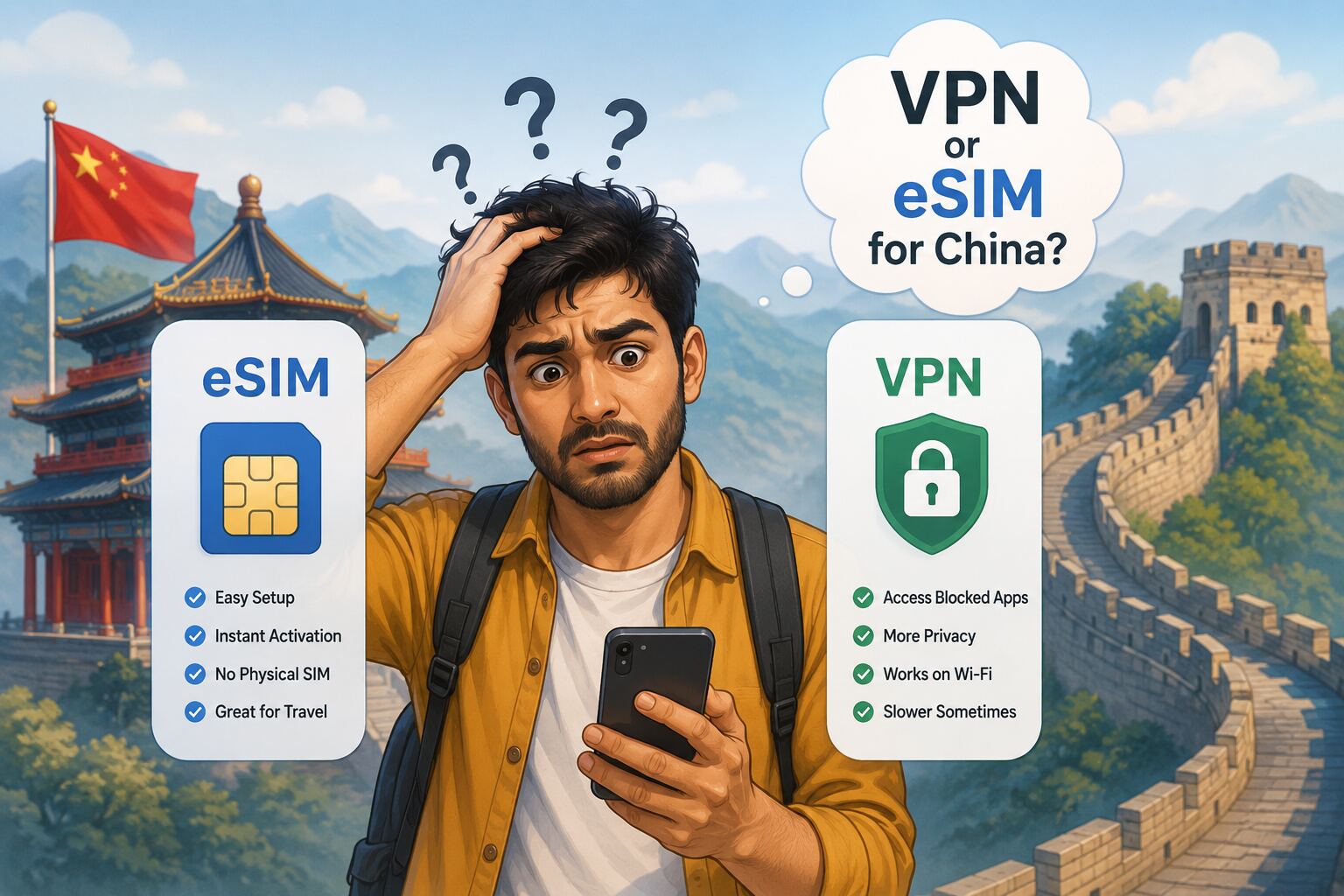
Before our China trip, this was the question I saw everywhere on travel forums — and the answers were all over the place. Some said "just get a local SIM and a VPN." Others said "buy an eSIM before you leave." A few brave souls said "just use hotel WiFi, it's fine." (Narrator: it was not fine.)
After a family trip across Shanghai, Chongqing, Shenzhen, and Guangzhou, I can give you the actual, honest breakdown — what we tried, what worked, what we wish we'd done differently, and exactly how much it cost us.
First, the Problem: China's Internet Is a Different Universe
This catches a lot of first-time visitors completely off guard. In China, the internet you're used to simply doesn't exist. It's not that things are "a bit slower" or "occasionally patchy." Apps you rely on every single day are completely blocked — no access at all, regardless of your network.
🚫 What doesn't work in China (without workarounds)
- Meta apps: WhatsApp, Instagram, Facebook, Messenger
- Google apps: Gmail, Google Maps, YouTube, Google Drive, Google Search
- Other blocked services: Telegram, X (Twitter), most Western news sites
This is what's called The Great Firewall of China — a nationwide internet filtering system that's been around for years and gets more sophisticated every year.
For a content creator and for anyone travelling with family who needs to stay in touch, this is a real problem. You land in Shanghai, open WhatsApp to tell your parents you've arrived, and... nothing. That's the moment the panic sets in for most people.
So let's break down your options.
eSIM, VPN, Physical SIM — What Do These Even Mean?
Let me get through the explainers quickly so the rest of this makes sense.
What is a VPN?
A VPN (Virtual Private Network) masks your internet location. Sitting in Shanghai, a VPN tricks the internet into thinking you're browsing from Mumbai or Singapore — which means the Great Firewall doesn't see you as a user on the Chinese mainland network, and blocked apps become accessible.
The problem: China actively hunts VPN servers and blocks them. Something that worked yesterday may be blocked tomorrow. It's a constant game of cat and mouse.
What is an eSIM?
An eSIM is a digital SIM card built into your phone — no physical card, no SIM tray, no swapping. You buy a data plan online, receive a QR code, scan it, and your phone is on a new network. Takes about 5 minutes once you have the QR code.
Is your phone compatible with eSIM?
For iPhones: XR and later all support eSIM. Quick check — go to Settings → General → About and look for an EID number. If it's there, you're good. Most iPhones sold in India support one physical SIM + one eSIM simultaneously, so you don't need to remove your Jio or Airtel SIM.
Android users: most flagship phones from Samsung (S20 onwards), Google Pixel (from Pixel 3), and OnePlus (recent models) support eSIM. Check your phone's specs or Settings → Network to confirm.
Option 1: Physical SIM + VPN
This is what a lot of older travel guides recommend. Land in China, pick up a local physical SIM from the airport (China Mobile, China Unicom, or China Telecom all have counters), and download a VPN to access your apps.
Here's why it's more stressful than it sounds:
- You're now on a local Chinese network, which means the Great Firewall is fully active for you
- Every time you want WhatsApp or Gmail, you have to remember to turn on the VPN
- VPN reliability is unpredictable — the Great Firewall constantly targets and blocks servers, so the VPN that worked this morning may not work this evening
- You need to download and set up your VPN before you enter China — most VPN websites are themselves blocked inside the country
⭐ The VPN we used: Star VPN
We downloaded Star VPN before our trip as a backup. They offer a 1-week free trial — which, honestly, was just enough for our trip duration. When we needed it (more on that in a moment), it worked. But I wouldn't want to rely on it as my only strategy. The Great Firewall is unpredictable and no VPN is guaranteed.
Bottom line: download one before you go, but treat it as a backup, not your primary plan.
Option 2: International Roaming eSIM (This Is What We Did)
Here's the part that genuinely surprised me when I researched it: if you buy an international roaming eSIM before entering mainland China, you don't need a VPN at all.
How? These eSIM plans route your data through international roaming servers — typically via Hong Kong, Macau, or other regions outside the mainland network. Your phone is technically "roaming," not on a Chinese domestic network. The Great Firewall doesn't apply to you.
The moment we landed at Shanghai Pudong, I opened WhatsApp, Instagram, Gmail — everything worked. No VPN toggle, no checking if a server was still live, no stress. Exactly as it would be sitting at home in Hyderabad.
This is a genuinely life-changing difference when you're trying to navigate, share content, and stay in touch with people back home all at once.
Which eSIM We Bought — and What It Cost
We bought the Mainland China / Hong Kong / Macau 5G eSIM from Trip.com.
| Platform | Trip.com |
| Plan | Mainland China / Hong Kong / Macau 5G eSIM |
| Data | 2GB per day (24-hour billing cycle) |
| Duration | 13 days |
| Includes | Data only — no voice calls, no SMS |
| Cost per person | ₹1,249.16 (base ₹1,314.91, 5% discount applied) |
| Total plans bought | 3 (one each for me, spouse, and kid) |
| Setup | QR code via email / Trip.com app |
Why Trip.com specifically?
Trip.com is a Chinese travel platform — which means its China-specific products are properly integrated and tested in the ecosystem. When it comes to China travel, I'd trust a Chinese platform over a generic one. We also had the comfort of it being tried and tested by us personally. Klook has similar eSIM options, but after doing the research, Trip.com felt like the more reliable choice for anything China-specific.
How to activate on iPhone
Setting up your Trip.com eSIM on iPhone
- Buy the plan on the Trip.com website or app before you travel
- Check your email — Trip.com sends a QR code once the order is confirmed
- On your iPhone, go to Settings → Mobile Data → Add eSIM
- Tap Use QR Code and scan the code from Trip.com
- Follow the prompts to activate — takes about 2 minutes
- Activate before entering mainland China — you want it ready the moment you land, not scrambling at the airport
Your Indian SIM stays in your phone. The eSIM sits alongside it. You can switch between them in Settings if needed — but for data in China, you'll want the eSIM as your primary.
You can also access the QR code directly through the Trip.com app if the email doesn't come through quickly — both routes work.
The One Catch with eSIM (And How to Handle It)
Everything I've said above is true — but there's one scenario where the eSIM magic stops working, and I want to be upfront about it because it caught us off guard a few times.
Our plan was 2GB per day. On most days this was fine. But on heavy days — uploading content, navigating constantly across a new city, video calls — we burned through it faster than expected. And when the daily limit ran out, we'd switch to the hotel WiFi to save data.
⚠️ Hotel WiFi = Back under the Great Firewall
The moment you connect to hotel WiFi in China, you're on a local Chinese network. The eSIM roaming workaround doesn't apply. WhatsApp and Gmail stop working immediately — you're back to needing a VPN.
This is exactly when we'd fire up Star VPN. It worked fine, but it's an extra step you need to remember every time you switch to hotel WiFi.
My honest recommendation: go for a higher bandwidth plan. The difference in cost between 2GB/day and 3GB/day or an unlimited plan is small relative to the convenience. Don't let daily data limits become a recurring friction point when you're trying to travel well.
Do You Even Need a Physical SIM?
Short answer: no. This is one of those questions that seems obvious but keeps coming up, so let me clear it up properly.
The main reason people think they need a local Chinese SIM is to get a Chinese phone number — specifically for booking DiDi (the taxi app) or setting up other local services. You don't need that.
DiDi is available as a mini-app directly inside Alipay. You book cabs, they come, you pay through Alipay linked to your Indian credit card — your international number works throughout, no Chinese number required. It's honestly smoother than it sounds.
If you haven't set up Alipay yet, that's a separate task to do before you leave India — but it's very much doable. I wrote a full step-by-step guide on it: Alipay Setup for Indian Travelers on iPhone. Do that before you sort your eSIM, actually, since Alipay setup has its own quirks that are better handled from India with a VPN at home.
Final Verdict: What Should You Actually Do?
✅ Our recommended pre-departure checklist for staying connected in China
- Buy an international roaming eSIM (we used this Trip.com plan) — one per person in your group
- Activate the eSIM at home or in the airport lounge before you land in mainland China
- Go for a 3GB/day or higher plan if you're a heavy data user — 2GB/day runs out quicker than you'd expect
- Download Star VPN (or any reliable VPN) before you leave India — as a backup for hotel WiFi situations
- Check your iPhone is eSIM-compatible: Settings → General → About → look for EID
- Set up Alipay in India before you go — covers payments, DiDi, and more
The eSIM-first approach genuinely made our China trip smoother from minute one. Landing in a country with completely unfamiliar infrastructure is disorienting enough without also worrying about whether your VPN will connect this morning. Removing that variable is worth every rupee.
Three of us travelled, three eSIMs, total spend under ₹3,800. For two weeks of seamless connectivity across four Chinese cities — that's nothing.